Is this your app? Claim this page to add your own description, links and contact info. It's free. →

Version
21.09.13
Size
22.54 Mb
Updated
2 months ago
Released
07 Nov 2019
Screenshots

Description
A weak Wi-Fi signal can stop irrigation and lighting controllers from performing at their best. Luckily, the new Hunter Wi-Fi Wizard app makes it easy to quickly pinpoint and manage connection issues — for free!
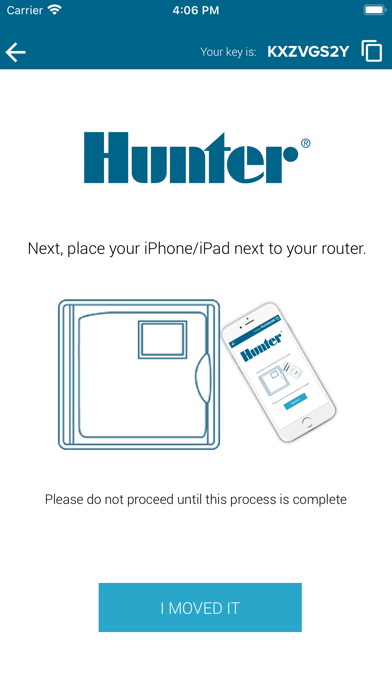
Follow the app’s step-by-step instructions to quickly troubleshoot any Wi-Fi issues.
How It Works
To locate the ideal mounting location or pinpoint the cause of controller connectivity issues:
Download the free app from the App Store. Then hold your smartphone in the proposed controller location or place it on top of the current controller.
Run the scan: The app checks the client’s ISP, router, and product in one pass. It also attempts to identify the controller, displays the connectivity strength with color-coded graphs, and provides easy-to-understand tech tips.
Follow the steps: The app provides detailed instructions, so you know what to do next.
Even if you have limited network experience, you can troubleshoot like a pro with the user-friendly Hunter Wi-Fi Wizard. It’s like having your own personal Technical Services rep in your pocket!