Is this your app? Claim this page to add your own description, links and contact info. It's free. →

Max Photo Copy Finder at Mac App Store analyse
Max Technology Labs PTY LTD
Version
1.1
Size
4.63 Mb
Updated
2 months ago
Released
05 Oct 2018
Screenshots
Description
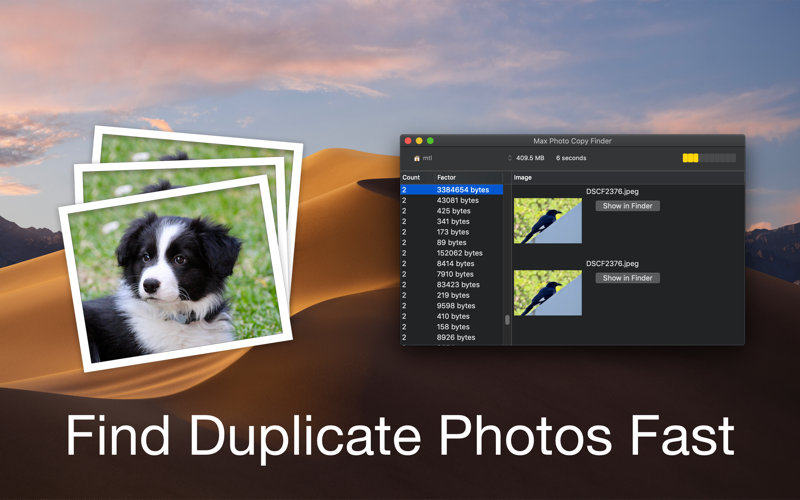
Max Photo Copy Finder seeks out photos that are likely duplicates; often due to importing the same photos twice, downloading photos you already had copies of multiple times or receiving a low quality photo via email then a higher resolution one later.
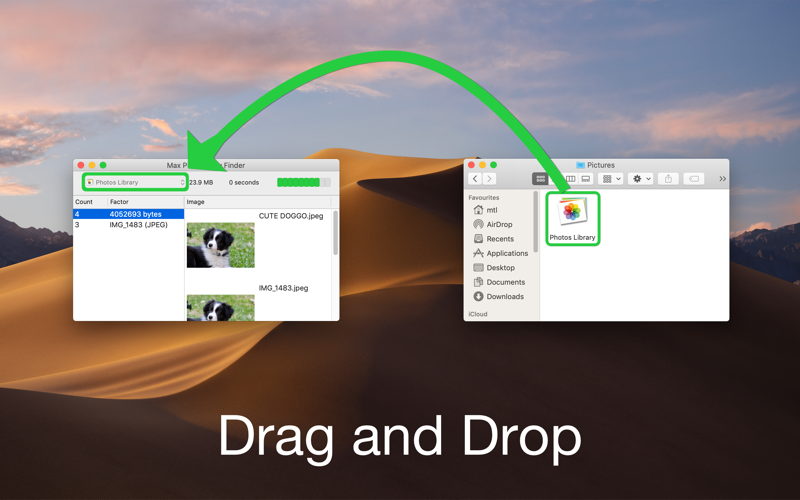
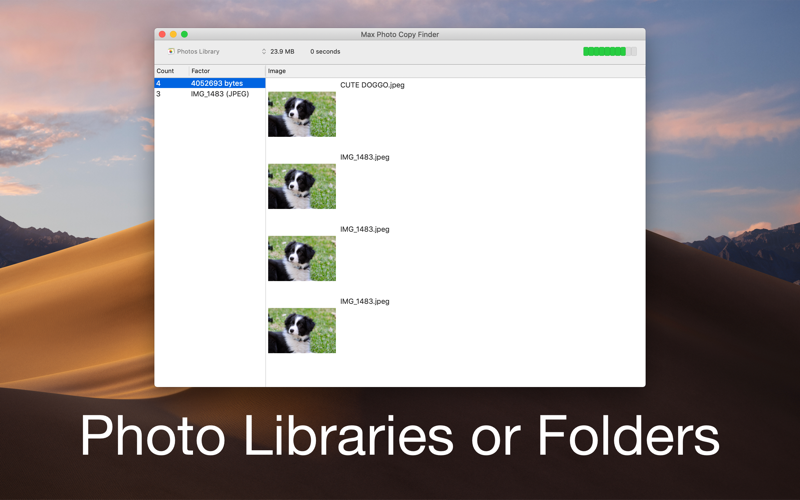
Max Photo Copy Finder works on both Photos photo libraries and regular folders. It can get through 100s of gigabytes of photos in seconds. In order to Go Fast the Smart Loops only look at the contents of photos when they are similar.
Once a duplicate is identified, it is displayed so you can seek out the photo by filename (or in the case of folders, by opening Finder directly to the photo) and then you can choose which duplicate to keep, or which metadata from each duplicate you may want to merge together, in your app of choice. Most of the time identifying one duplicate reveals an album or entire folder full of duplicates.
Max Photo Copy Finder doesnt have write or delete access to your files, only read access to the specific files or folders you drag onto the "Choose..." button. Everything is done on your computer, fast. No data about your photos is ever collected.
Please note, this app is best used with photos. Screenshots and computer graphics have similar properties and you may see false positives when using images not from cameras (such as computer graphics, screenshots or memes) or heavily edited photos.