Is this your app? Claim this page to add your own description, links and contact info. It's free. →

Version
1.0.2
Size
9.78 Mb
Updated
3 months ago
Released
04 Nov 2018
Screenshots
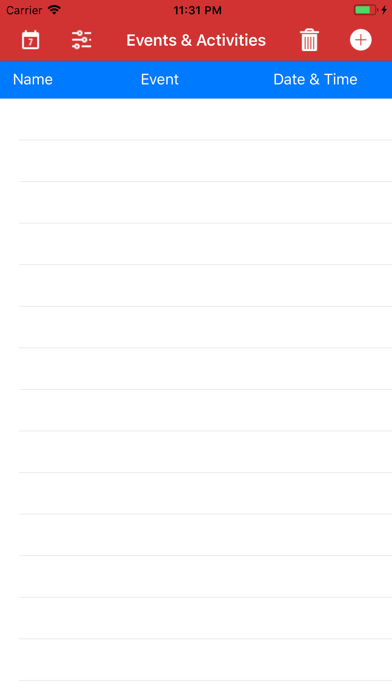
Description
Reminders
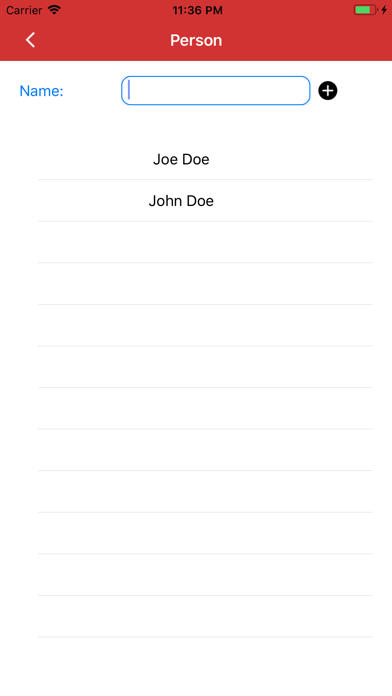
1. Add People to the list
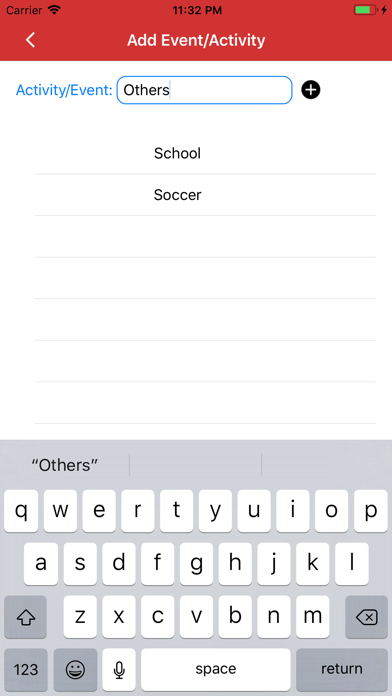
2. Add Activities/Events to the list
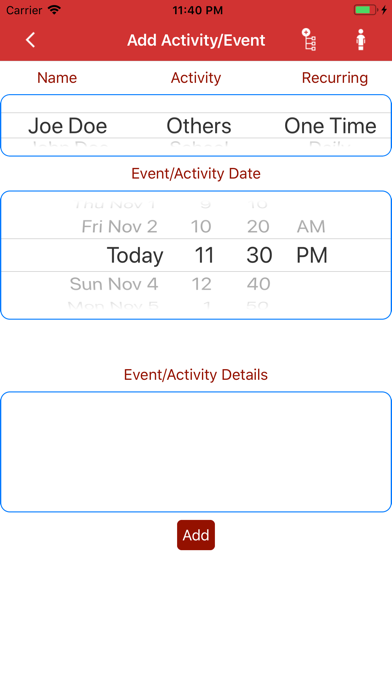
3. Select Person
4. Select Activity/Event
5. Select Frequency
6. Pick Start Date
7. Choose No. of Occurrence
8. Add Other Details like Location etc.
9. Add Activity/Event
10. Reminders will be send every morning, if there is a event scheduled for that day