Is this your app? Claim this page to add your own description, links and contact info. It's free. →

Version
1.4.3
Size
41.22 Mb
Updated
4 months ago
Released
25 Apr 2018
Screenshots
Description
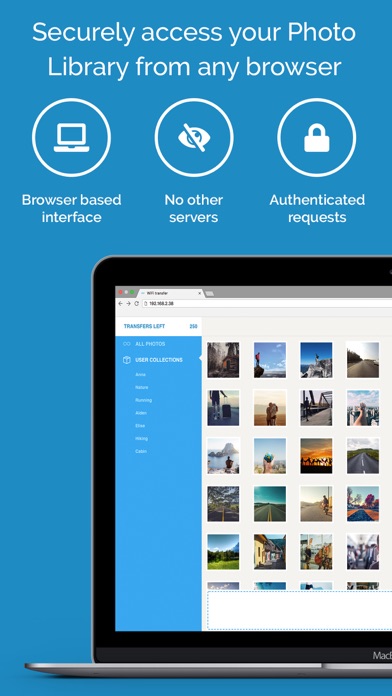
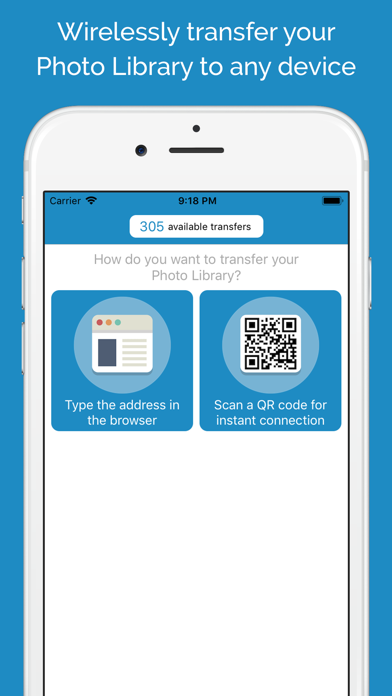
Wi-Fi Transfer helps you wirelessly transfer photos and videos through a simple web interface on a PC, Mac, tablet or smartphone. All you have to do is connect your iOS device to the same Wi-Fi network as the other device(s) and launch Wi-Fi Transfer.
Upload and download photos and videos straight to and from your Photo Library!
With Wi-Fi Transfer, you can enjoy full privacy:
• Dont worry about 3rd party servers that collect and store your personal files - all transfers are only between your iOS device and the other approved devices.
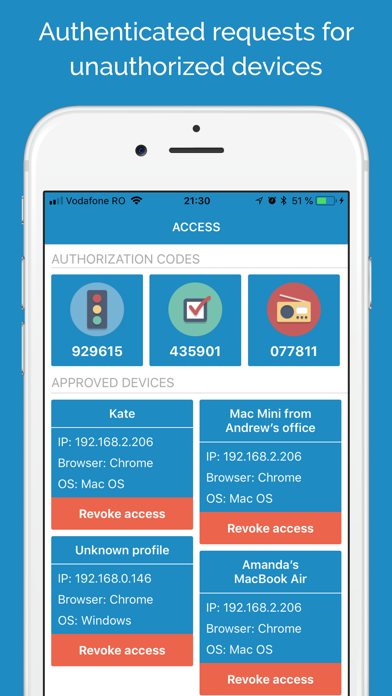
• Control what devices can manage your Photo Library using a powerful yet light authentication system based on access codes.
• Choose what albums you share over Wi-Fi Transfer.
Wi-Fi Transfer offers bidirectional photo and video exchange:
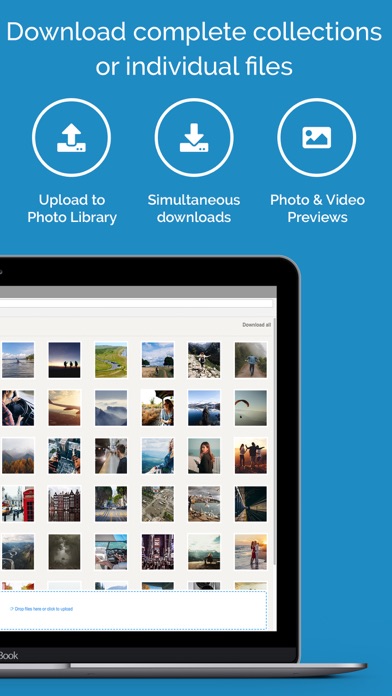
• Download and upload multiple files at once.
• Download photos and videos individually or as archives.
• Download full albums or upload photos and videos directly into an album.
Estimates
Search Keywords 3
| # | Term | Country | Place | Priority |
|---|---|---|---|---|
| 1 | pc browser | #8 | ⭐️⭐️⭐️⭐️ | |
| 2 | sync media | #13 | ⭐️⭐️⭐️⭐️ | |
| 3 | quick remote | #20 | ⭐️⭐️⭐️⭐️ |