Is this your app? Claim this page to add your own description, links and contact info. It's free. →

Presentation Controller at Mac App Store analyse
JP Technology Initiatives Inc
Version
1.04
Size
652 Kb
Updated
4 months ago
Released
21 Sep 2018
Screenshots

Description
No mouse, no keyboard, more freedom.
The app turns your smart phone into a remote controller for presentation using your computers.
JPTI remote server software required on computer side.
Visit: https://www.jptiinc.net
for download, demo and instructions.
Bluetooth required on computer side.
Setup and App demo:
https://www.youtube.com/watch?v=OrNT5Agud_M&feature=youtu.be
Features:
Intuitive cursor control
Easy page navigation control
Easy full screen mode control
How to use:
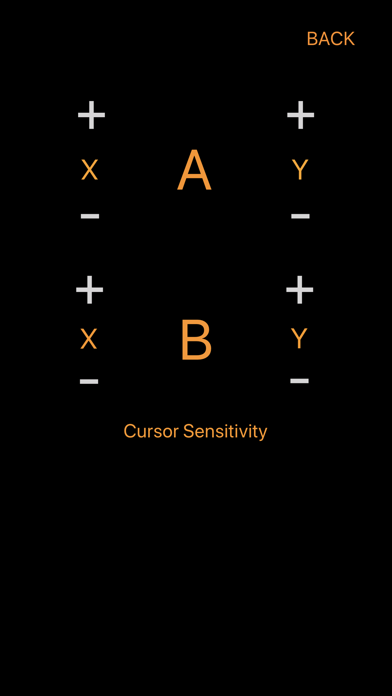
Cursor control: press button A or B down, turn your smart phone left or right, up or down to move cursor around.
Full screen mode:
1. Press triple click button B to enter full screen mode
2.Press button U down and click button D to enter full screen mode from beginning of slides
Page navigation:
Click button U for page Up
Click button D for page Down
Cursor control in Full screen mode
Wiggle your phone left and right multiple times to Bring cursor out. Hold button A or B down to move cursor around with your smart phone.
Exit full screen mode:
Press button D down and click button C to exit presentation
Cursor move sensitivity adjustment in SETTING.
Estimates
Search Keywords 3
| # | Term | Country | Place | Priority |
|---|---|---|---|---|
| 1 | presentation remote | #10 | ⭐️⭐️⭐️⭐️ | |
| 2 | presentation remote controller | #12 | ||
| 3 | presentation controller | #12 |


