Is this your app? Claim this page to add your own description, links and contact info. It's free. →

Remote for PC at Mac App Store analyse
JP Technology Initiatives Inc
Version
1.06
Size
2.64 Mb
Updated
4 months ago
Released
21 Sep 2018
Screenshots
Description
No mouse, no keyboard, more freedom.
The app makes your smart phone a great remote controller for your computers, for web browsing, gaming, education, home entertainment and more.
"JPTI Remote Server" required on computer.
For server downloading, demos and instructions, visit:
http://www.jptiinc.net
Bluetooth required on computer.
Pleas feel free to contact us at: jptiinc18@gmail.com
Concise design
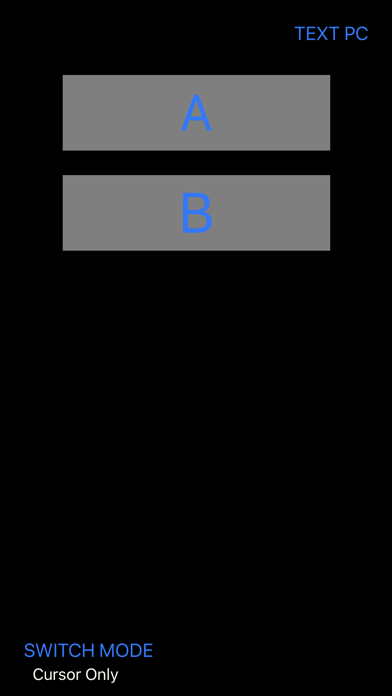
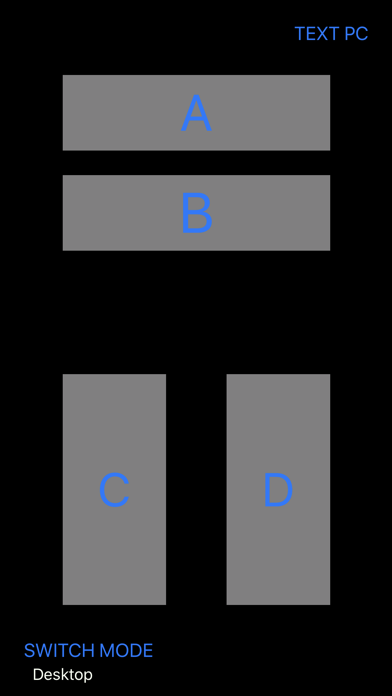
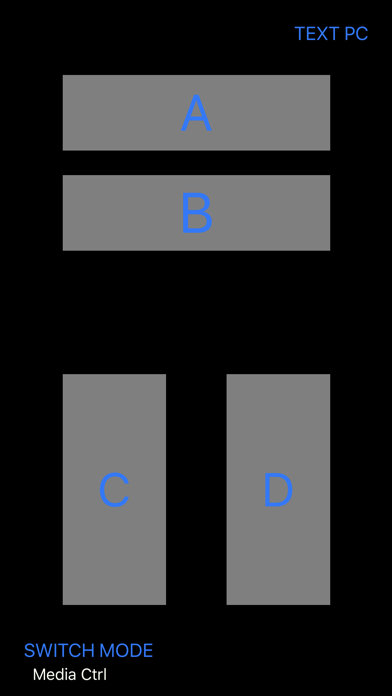
The app uses two virtual buttons A and B or, in some control modes, two additional buttons C and D.
Controller functions
1. Cursor control:
When holding button A or button B down, the phone can be used to control cursor movement by pointing to difference directions.
Click of A button works as mouse left click.
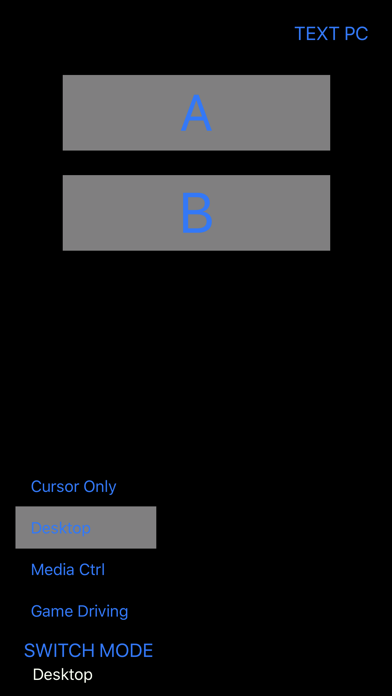
2. Desktop mode:
Quick application start, switch and quit.
Text PC function allows text input to PC from your smartphone
3. Media control mode:
For web browsing and video play. Support page navigation, zoom in/out, full screen control, volume control, etc.
3. Game driving control:
Control left and right turns in Driving games by turning your phone like a driving wheel.
Press button C for brake.
Press button D for gas.
Button B for function key.
4. Game roaming mode:
Control viewing direction in games.
In the app, press A or B button and turn your phone Up, Down, Left or Right to look at the corresponding direction.
Control moving direction in games by holding down C button and turning your phone Up, Down, Left or Right to move Backward, Forward, Left or Right.
5. Map mode: work with google map and google earth. Allows you to easily operate a virtual globe. Please visit our website for demo and instructions.


